
English

Views: 0 Author: Site Editor Publish Time: 2026-08-26 Origin: Site
High return rates and customer frustration often stem from a single oversight. Brands frequently bundle or deploy incompatible USB-C cables alongside high-end monitors and AV hardware. This immediately ruins the out-of-box experience. Most buyers assume the universal Type-C shape automatically guarantees universal functionality. However, a massive performance gap exists between standard "charge-only" USB 2.0 cables and true full-featured cords. Full-featured options securely handle heavy, high-bandwidth video data without signal drops. This article equips procurement teams, AV integrators, and hardware brands with a clear, vendor-neutral evaluation framework. You will learn how to accurately vet and source reliable video-capable USB-C connections. We will explore essential protocols, bandwidth requirements, power delivery standards, and strict physical build criteria. These insights ensure your next 4K or 8K deployment runs flawlessly across enterprise environments.
The Type-C connector looks identical across hundreds of devices. This universal shape creates dangerous procurement blind spots. Buyers often assume any cable fitting the physical port works perfectly. They usually discover the harsh reality during critical deployment phases. The assumption of universal compatibility causes massive headaches for hardware brands and IT departments alike.
Standard 480Mbps cables represent a hidden trap. Industry professionals call them "charge-only" cables. They fundamentally lack the internal high-speed data pins necessary for video transmission. Manufacturers design them exclusively for powering smartphones and basic peripherals. Consequently, they fail completely when users connect them to high-resolution monitors.
Deploying under-specced cables in professional environments leads to disastrous field failures. Enterprise users constantly report black screens, erratic flickering, or severely reduced refresh rates. These frustrating issues damage your brand reputation directly. Modern hot-desking environments simply cannot tolerate unreliable connections during important client presentations or intensive workflow sessions.
To solve this fragmentation, you must understand the underlying protocol. DisplayPort Alternate Mode (DP Alt Mode) serves as the baseline technical standard. Any reliable USB C screen sharing cable requires DP Alt Mode to function in meeting rooms or desktop setups. This specific protocol reassigns high-speed data lanes to carry native video signals directly. Always verify DP Alt Mode support on specification sheets before purchasing bulk inventory.
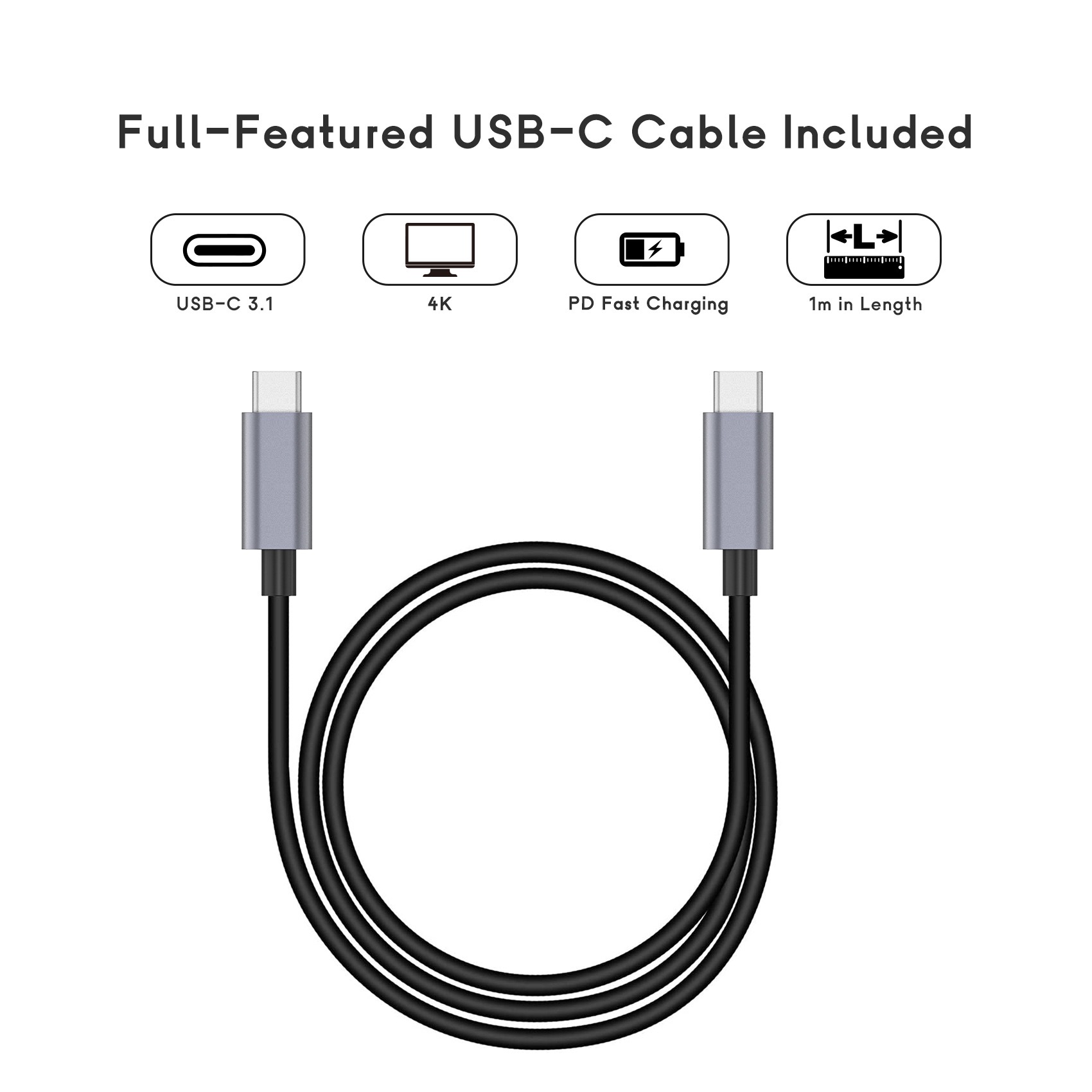
Procurement teams must evaluate cables based on hard technical specifications. Flashy marketing claims often obscure actual performance capabilities. Let us break down the core criteria required for high-resolution displays. You must align bandwidth capabilities precisely to your target monitor specifications.
First, map bandwidth directly to your target resolution. A standard 4K USB C video cable running at a smooth 60Hz requires USB 3.2 Gen 2 technology. This standard delivers between 10 Gbps and 20 Gbps of bandwidth. Higher resolutions demand much more throughput. Driving a 4K display at 120Hz, or an 8K display at 60Hz, requires an enormous 40 Gbps pipeline. You must select USB4 or Thunderbolt 4 for these extreme resolutions.
Second, review the underlying protocol support architecture. USB-C interfaces cleverly with native DisplayPort protocols. DP Alt Mode tunnels the DisplayPort signal directly through the Type-C connection. This elegant solution avoids messy active format conversion. It preserves signal integrity and eliminates unnecessary latency.
Third, consider lossless versus compressed data transmission. Display Stream Compression (DSC) activates automatically when video bandwidth maxes out. DSC compresses the video feed visually flawlessly for most office users. However, color-critical deployments demand native, uncompressed bandwidth. Medical imaging displays and professional creative studios cannot risk compression artifacts. Native bandwidth always provides the purest visual output for premium brand deployments.
Bandwidth and Resolution Mapping Guide
| Target Resolution & Refresh Rate | Minimum USB Standard | Required Minimum Bandwidth |
|---|---|---|
| 4K @ 60Hz | USB 3.2 Gen 2 | 10 Gbps - 20 Gbps |
| 4K @ 120Hz | USB4 / Thunderbolt 3 | 40 Gbps |
| 8K @ 60Hz | USB4 / Thunderbolt 4 | 40 Gbps |
Modern B2B environments demand clean, single-cable workspaces. Professionals want advanced monitors acting as central docking stations. They expect one single cable to handle high-resolution video, rapid data transfer, and laptop charging simultaneously. This streamlined setup drastically reduces desk clutter and simplifies IT deployment.
Achieving this seamless experience requires a certified 100W PD video cable. Power Delivery (PD) protocols dictate how connected devices negotiate wattage safely. These protocols ensure a laptop receives exact power levels without overloading circuitry.
Here is a critical engineering rule. Any cable carrying over 60W or 3A must feature an integrated E-Marker chip. This tiny electronic marker communicates constantly with both connected devices. It confirms the cable's maximum current capacity before allowing power flow. The chip ensures power moves safely without melting the internal wires.
Ignoring this requirement invites severe thermal and safety risks. Off-brand cables frequently lack proper E-Marker chips. They fail to regulate power accurately. Pushing intense 4K or 8K video while charging heavily generates massive heat. Unregulated cables can easily overheat during sustained use. In worst-case scenarios, they might fry expensive enterprise laptops or ruin premium displays.
Keep these common best practices and mistakes in mind during procurement:
We must acknowledge a transparent assumption about data transmission. Physics strictly limits how far high-speed signals can travel over copper wire. As data speeds increase, maximum cable lengths shrink drastically. You simply cannot push 40Gbps over a cheap three-meter cord without severe signal degradation.
Passive cables handle short-range deployments perfectly. They work best for distances under one meter (3.3 feet). Passive options remain highly cost-effective and incredibly reliable. They contain no complex internal signal boosters. Furthermore, they have no directional requirements. You can plug either end into the host laptop or the display monitor.
Conversely, active cables become mandatory for distances exceeding two meters. An active USB C Video Cable contains built-in retimer or redriver microchips. These embedded chips actively boost, condition, and reconstruct the signal. They ensure high-frequency data reaches the display without degradation or packet loss.
However, active cables introduce specific physical and operational trade-offs. They cost significantly more to manufacture. They often require a strictly directional connection. One end must plug into the host, and the other must plug into the peripheral. Installing them backward results in zero video output. Additionally, the embedded chips create potential points of failure over long-term enterprise use.
Sourcing at scale demands a rigorous vendor vetting process. Compliance and certifications protect your brand from massive liability. USB-IF certification and VESA compliance prove a cable meets strict industry standards. Skipping these certifications practically guarantees high Return Merchandise Authorization (RMA) rates.
Build quality directly impacts enterprise lifecycle expectations. You must evaluate the physical materials rigorously. Look for durable nylon braiding to resist daily office chair wear. Specify extruded aluminum shells for better heat dissipation. Ensure manufacturers use reinforced strain reliefs to prevent fraying at the connector joint.
When shortlisting a factory for a custom OEM Type C cable, use this specific vendor vetting checklist:
Your next steps remain clear and actionable. Advise your procurement buyers to request comprehensive technical data sheets immediately. Always test engineering samples in your specific hardware environment before authorizing bulk procurement. Never buy bulk electronics blind based purely on low unit costs.
Successful video deployments require absolute precision in procurement. You must match the cable’s bandwidth, power delivery capabilities, and length to your specific hardware use case. There is no one-size-fits-all solution in high-resolution enterprise AV setups. Understanding the nuance of DP Alt Mode and E-Marker chips protects your hardware investment.
Finding the right balance protects your bottom line effectively. Over-speccing wastes precious budget unnecessarily. Buying a 40Gbps USB4 cable for a basic 1080p office setup provides zero tangible benefits. Conversely, under-speccing ruins the user experience and spikes return rates immediately. You need the exact specifications demanded by your displays and laptops.
Take proactive steps today to secure your AV supply chain. We encourage you to consult directly with specialized technical account managers. Request a customized OEM evaluation kit. Test these cables rigorously alongside your proprietary hardware before authorizing widespread rollout. Careful evaluation ensures flawless performance across every corporate desktop and meeting room.
A: No. Standard charging cables operate purely on USB 2.0 speeds. They completely lack the high-speed data pins required for video transmission. You must use a cable explicitly supporting DisplayPort Alternate Mode (DP Alt Mode) to transmit any video signal.
A: Thunderbolt 4 uses advanced protocol tunneling to package data, video, and power efficiently. It guarantees a strict minimum of 40 Gbps bandwidth and dual 4K display support. High-end USB-C cables vary wildly in performance. While TB4 cables are fully backward compatible, not all USB-C cables meet strict TB4 standards.
A: Flickering usually points to severe signal degradation. Your cable might be too long for a passive connection. It can also stem from Electromagnetic Interference (EMI) caused by poor internal shielding. Additionally, shared bandwidth limits cause flickering when peripheral data overwhelms the connection simultaneously.
A: No. Converting HDMI to USB-C requires active format conversion. This conversion introduces potential signal loss and unwanted latency. We strongly recommend native Type-C to Type-C connections utilizing DP Alt Mode. This provides the purest, most direct signal path for flawless visual output.


