Procuring faulty connectivity hardware carries incredibly high stakes for modern businesses. Substandard cables cause catastrophic bottlenecking in demanding pro-workstations. They trigger random daisy-chain failures during critical data transfers. In worst-case scenarios, poor power regulation damages expensive hardware permanently. The sourcing reality presents a complex challenge. The market floods buyers with deceptive labeling and confusing terminology. Distinguishing a fully licensed product from a generic substitute remains a massive hurdle. You must navigate varying specifications carefully to ensure complete workflow stability. This article serves a clear goal. We provide procurement teams, distributors, and prosumers a definitive checklist. You will discover an evidence-based framework for evaluating vendors accurately. Follow these precise guidelines before you finalize large purchase orders. You will learn to verify chip authenticity, assess cable architecture, and demand transparent factory testing protocols. We equip you to make confident, data-driven supply chain decisions.
Key Takeaways
- Certification is binary: Valid OEM cables must pass strict Intel certification; anything labeled merely as a "Thunderbolt compatible cable" carries significant performance risks.
- Length dictates architecture: Distinguish between passive and active cables—costs and failure rates scale with length.
- Power and data are separate evaluations: Ensure the integrated E-marker chip natively supports the required Power Delivery (e.g., standardizing on a genuine 100W PD cable minimum).
- Vendor vetting goes beyond the wire: Shortlisting requires evaluating factory QA testing, compliance documentation, and options like custom cable packaging.
Verifying Intel Certification and E-Marker Authenticity
The certification mandate separates reliable hardware from risky alternatives. Intel enforces a rigorous testing process. They require strict compliance to legally use the official logo. Engineers test signal integrity, mechanical durability, and thermal thresholds exhaustively. Only hardware passing these exhaustive parameters enters the official registry. You cannot bypass this verification without compromising network stability.
Spotting deceptive marketing requires constant vigilance during procurement. Many suppliers offer a generic OEM USB C cable while masquerading as high-bandwidth equipment. They use vague terms like "40Gbps capable" without official backing. You must contrast this against a genuine OEM Thunderbolt Cable. The genuine product guarantees flawless dual-display routing and PCIe tunneling. You should never accept marketing claims at face value.
The role of the E-marker in negotiating data and power
An E-marker chip acts as the central brain. It resides directly inside the connector shell. This microchip actively communicates physical capabilities to the host machine. It tells your laptop exactly how much power to send safely. It defines the maximum supported data transmission speeds accurately. Without an authentic E-marker, connected devices default to slow charging automatically. They drop data transmission rates to basic legacy speeds. You cannot achieve optimal workstation performance without properly verified silicon chips.
How to request and verify a manufacturer's Test ID (TID) and Intel certification documents
Always ask your vendor for official certification paperwork immediately. Request their specific Test ID (TID) for the exact production batch. A legitimate manufacturing partner willingly shares this critical documentation. You can cross-reference the provided TID through public registry databases safely. Intel maintains strict, searchable records of all certified hardware globally. Disqualify any vendor refusing to provide this basic verification. True transparency indicates a trustworthy, professional manufacturing partner.
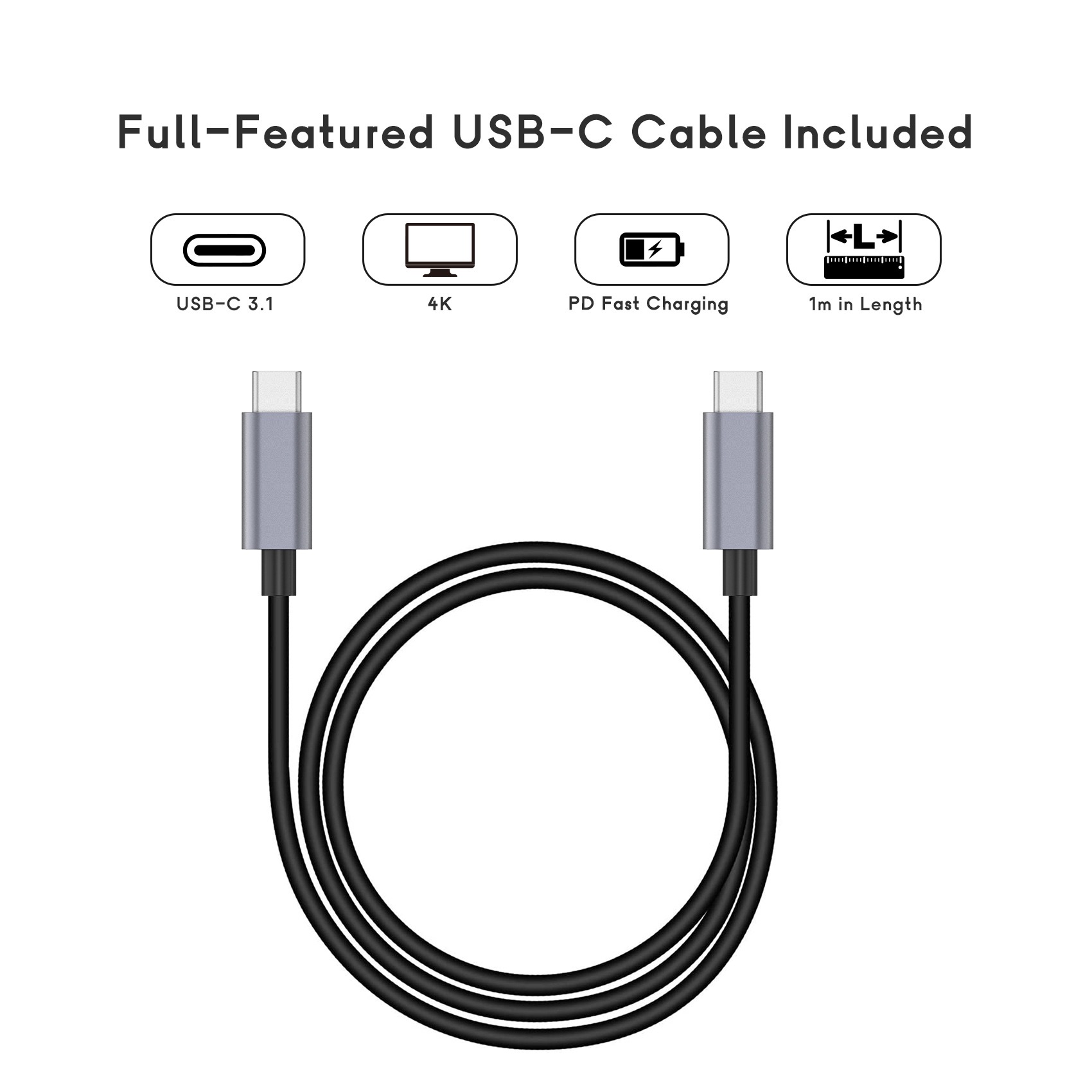
Active vs. Passive Architecture: Matching Cable Physics to Use Cases
Signal degradation represents a harsh reality in connectivity engineering. Physics strictly limits how far electrical signals travel cleanly. Cheap, extended passive cables fail to maintain high bandwidth consistently. You simply cannot push 40Gbps or 80Gbps over long distances without advanced engineering. High frequencies attenuate rapidly as they move through raw copper wires. This attenuation leads to dropped packets and failed data transfers.
Passive cables under 0.8 meters (2.6 feet) provide excellent value. They lack internal boosting components inside the connector heads. This simple design makes them highly cost-effective and extremely reliable. Use them for short-run, everyday desktop setups. They work perfectly when connecting a nearby laptop to a single desktop dock. You avoid unnecessary thermal output by choosing passive variants for short distances.
Active cables exceeding 1 meter (3.3 feet) require advanced internal architecture. They contain specialized signal-boosting transceivers called retimers. These microchips reside directly inside the protective connector heads. They actively amplify and reconstruct data streams for studio or server-rack environments. You must note the increased thermal output. Active variants generate more heat and cost significantly more to manufacture. They draw minor amounts of power from the host to operate.
Implementation risk remains incredibly high if you misalign architectural choices. Failing to match cable physics to the physical workspace causes severe problems. End-users experience spontaneous disconnects during high-load scenarios frequently. Imagine losing a storage array connection during dual 8K video editing. You must specify the correct architecture proactively during your initial procurement phase.
Table: Active vs. Passive Architecture Comparison
| Feature Profile | Passive Architecture (<0.8m) | Active Architecture (>1.0m) |
| Internal Microchips | E-Marker only | E-Marker + Signal Retimers |
| Signal Integrity | Relies entirely on copper quality | Actively reconstructed by silicon |
| Thermal Output | Very low (minimal heat generation) | Moderate (connector heads get warm) |
| Ideal Environment | Standard desk setups, single hubs | Server racks, studio routing, eGPUs |
| Cost Factor | Highly cost-effective | Premium pricing tier |
Power Delivery (PD) Specs and Shielding Standards
Modern professional workflows demand immense, reliable power delivery. Frame your technical evaluation around strict wattage thresholds early. High-performance laptops and daisy-chained monitors require robust energy transfer constantly. Ensure the vendor explicitly guarantees specific sustained power capabilities. Procurement teams should standardize on a genuine 100W PD cable minimum for all standard orders. Newer standards demand 240W Extended Power Range (EPR) support for heavy workstations. Ask suppliers about their exact power handling ratings before negotiating pricing.
Coaxial vs. Twisted Pair construction
Evaluating internal shielding separates premium manufacturing vendors from budget operators. High-end products utilize advanced micro-coaxial construction techniques. Each internal wire features independent, dedicated shielding. This meticulous design reduces cross-talk significantly during intense data routing. Budget options rely on simple twisted pair wiring internally. Twisted pairs save money but severely sacrifice long-term signal integrity. Demand coaxial construction for any mission-critical enterprise deployment.
EMI (Electromagnetic Interference) mitigation
Electromagnetic Interference (EMI) ruins wireless stability in modern corporate offices. Poor internal shielding allows rapid data transmission to leak radio frequencies continuously. This RF leakage commonly drops 2.4GHz Wi-Fi signals in nearby devices. It also causes high-resolution monitors to flicker randomly during peak loads. You must evaluate EMI mitigation techniques thoroughly. Look for robust 360-degree tinplate shielding encasing the connector joints.
Always ask a specific technical question during vendor screening. Say, "Can you provide the cross-section schematics and EMI test reports for your latest production batch?" Professional tier-one factories supply these engineering documents immediately. They understand that rigorous shielding defines overall hardware reliability. Do not accept vague assurances regarding interference protection.
The "Thunderbolt Compatible" Trap: Decoding Vendor Terminology
Marketing jargon often deliberately obscures complex engineering realities. Labeling a product as a Thunderbolt compatible cable sounds very reassuring to inexperienced buyers. It usually just denotes standard USB4 or high-spec USB 3.2 underneath. These alternate protocols do not guarantee identical operational features. They lack the mandatory validation testing of official licensed products. They often make advanced features like PCIe tunneling completely optional. They are not true replacements in mission-critical environments.
Protocol fallback behaviors disrupt daily productivity severely. Non-certified cables trigger frustrating speed drops without warning. A theoretical 40Gbps connection defaults to 20Gbps randomly during large file transfers. You might lose secondary display protocol support entirely. High-speed external NVMe drives suddenly underperform drastically. End-users naturally blame the expensive hardware rather than the weak connectivity link. You must eliminate this variable by demanding certified components exclusively.
Compliance builds necessary trust in B2B hardware sourcing. Advise buyers to immediately disqualify dishonest OEMs during initial audits. Do they use the trademark loosely without public registry links? Walk away immediately. Genuine manufacturing partners happily prove their technical compliance. They understand the immense value of absolute engineering transparency. Strict vetting protects your organizational workflow from unpredictable hardware bottlenecks.
Logistics, Customization, and Supply Chain Risk Assessment
Assessing factory capabilities ensures reliable long-term hardware supply. Evaluate a manufacturer’s actual production limits and operational bandwidth accurately. Investigate their Minimum Order Quantities (MOQs) for specialized orders. High MOQs tie up unnecessary capital for small-scale deployments. Unusually low MOQs might indicate a trading broker rather than a direct factory. Clarify exact lead times for bulk corporate orders upfront.
Branding and delivery readiness demand careful attention from procurement teams. Discuss your unique requirements for retail readiness very early. You might require specific custom cable packaging tailored for specific regional markets. Ensure vendors fully understand strict white-labeling restrictions. Intel enforces rigid rules regarding their trademark and logo usage globally. Confirm all mandatory compliance labels like CE, FCC, and RoHS appear correctly printed.
Requesting failure rate data and bend-test tolerances
Quality Assurance (QA) transparency separates tier-one factories from generic suppliers. Request their historical failure rate data for previous production runs. Ask for detailed mechanical bend-test tolerances specifically. Premium cables survive well over 10,000 bending cycles without degrading. Analyzing this data predicts the physical lifespan of your deployed hardware accurately.
Establishing Service Level Agreements (SLAs) for defective batch replacements
You need absolute protection against unexpected manufacturing defects. Establish clear Service Level Agreements (SLAs) before signing any purchase orders. Define exactly how the vendor handles defective batch replacements logistically. A strong SLA minimizes operational downtime significantly. It forces the manufacturer to maintain rigorous quality control internally. Clearly documented accountability ensures a smoother ongoing supply chain relationship.
Final Vendor Shortlisting Logic and Next Steps
Provide your internal procurement team with a rapid evaluation framework. Use a structured decision matrix to compare shortlisted OEMs objectively. Review your final candidates using strict, non-negotiable criteria.
- Verified Intel Certification: Confirm TID numbers in public databases to eliminate uncertified vendors instantly.
- Transparent E-marker and PD spec sheets: Ensure maximum power limits meet your specific operational demands.
- Documented QA testing and fair MOQs: Review physical bend-test data and analyze supply chain financial terms carefully.
Take decisive next-step action before signing bulk contracts. Recommend ordering a small sample batch first. Conduct rigorous in-house stress testing within your exact production environment. Run high-resolution dual monitors simultaneously for several hours. Daisy-chain multiple external SSDs to check bandwidth saturation limits. Monitor thermal output on active connector heads closely. Real-world lab testing exposes hidden manufacturing flaws invisible on spec sheets.
Conclusion
Sourcing premium connectivity hardware requires intense scrutiny at every stage. You must look far past the outer protective jacket. Evaluate the internal silicon accurately to ensure long-term stability. Demand irrefutable proof of factory QA protocols consistently. Insist on reviewing official certifications before negotiating volume pricing.
Actionable next steps will effectively protect your hardware investment:
- Establish a rigid baseline requiring documented certification for all bulk corporate orders.
- Mandate internal stress-testing using your specific workstation environments before contract signing.
- Standardize SLA terms to ensure rapid replacement of any defective manufacturing batches.
- Audit vendor compliance labels to secure smooth international logistics and retail readiness.
Investing upfront in stringent vendor evaluation prevents costly downstream hardware replacements. It thoroughly protects your brand reputation in a competitive market. Contact your technical team today. Detail your exact specification requirements clearly. Request an initial sample kit for rigorous lab testing immediately.
FAQ
Q: Can I use a standard 100W PD OEM USB C cable instead of a Thunderbolt cable?
A: Only for charging laptops or transmitting low-speed data. A standard variant lacks the required bandwidth for demanding professional workflows. It will consistently fail for daisy-chaining multiple 4K displays or connecting high-speed eGPUs. Always use certified high-bandwidth hardware for mission-critical external devices.
Q: How can I verify if an OEM’s Thunderbolt certification is legitimate?
A: You must cross-reference the manufacturer's name and product details with Intel's official product database. Legitimate suppliers will gladly provide their specific Test ID (TID) upon request. If a vendor refuses to share certification paperwork or cannot be found in the registry, disqualify them immediately.
Q: Why are active OEM Thunderbolt cables significantly more expensive?
A: They contain complex transceiver microchips embedded directly inside the connector heads. These active components actively boost signal integrity to maintain maximum bandwidth over distances greater than 0.8 meters. The inclusion of precision silicon, combined with stricter thermal management and manufacturing complexity, drives up the overall cost.
Q: Can an OEM customize the packaging while keeping the official Thunderbolt logo?
A: Yes, custom packaging is entirely possible. However, the packaging designs must strictly adhere to Intel’s brand guidelines. They must accurately display the correct generation identifier, such as the distinct lightning bolt paired with a "4" or "5". Factory partners must submit designs for compliance review.



