Introduction
Have you ever wondered if you can connect your USB 3.0-enabled device to an HDMI display? With a USB 3 to HDMI adapter, it’s possible to easily extend or mirror your screen to larger displays. In this article, we’ll explore how these adapters work and what you can expect in terms of performance and compatibility.
What is a USB 3.0 to HDMI Adapter?
Definition of a USB 3.0 to HDMI Adapter: What It Is and What It Does
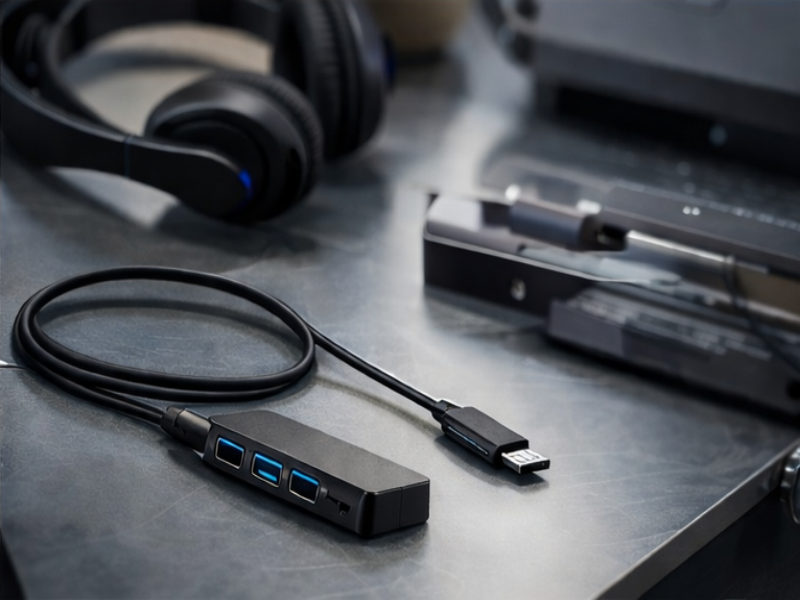
A USB 3.0 to HDMI adapter is a device that allows users to connect a computer or other USB 3.0-enabled device to an HDMI display, such as a monitor, TV, or projector. This type of adapter acts as a bridge between the USB port and the HDMI input, converting the digital signals from the USB port into a video output compatible with HDMI-enabled devices. It essentially enables video and audio output through the HDMI cable, making it easier to extend or mirror the display of a laptop or desktop computer onto larger screens.
The Function of USB 3.0 to HDMI Adapters in Converting Data from USB to Video Output
The primary function of a USB 3.0 to HDMI adapter is to convert the data sent through the USB port into a high-definition video signal. USB 3.0 offers a bandwidth of 5 Gbps, which is sufficient for high-quality video output. The adapter uses this bandwidth to carry the video and audio signals to the HDMI port, where the HDMI-enabled display can render the signal for viewing. The adapter typically relies on additional software or drivers to ensure proper compatibility with the connected device, such as DisplayLink technology, which helps facilitate the conversion and output of video from the USB to HDMI.
Typical Use Cases for USB 3.0 to HDMI Adapters in Everyday Devices
USB 3.0 to HDMI adapters are commonly used in various scenarios, especially when connecting laptops, desktops, or tablets to external monitors, TVs, or projectors. Some typical use cases include:
● Office and Productivity: Extending the desktop display to multiple monitors for multitasking or presentations, improving productivity by providing more screen space.
● Entertainment: Connecting a laptop to a TV for streaming videos, gaming, or viewing content on a larger screen.
● Professional Workflows: Professionals who use high-definition displays for video editing or graphic design often use USB 3.0 to HDMI adapters to ensure seamless connection to high-resolution monitors.
● Educational and Conference Settings: For projecting a computer screen onto a larger display in classrooms or meetings, USB 3.0 to HDMI adapters help facilitate presentations and collaborative work.
How Does a USB 3.0 to HDMI Adapter Work?
Detailed Explanation of the Technology Behind USB 3.0 to HDMI Conversion
A USB 3.0 to HDMI adapter is designed to convert digital data from a USB 3.0 port into a video signal that is compatible with HDMI displays. The USB 3.0 port offers a high-speed data transfer rate of 5 Gbps, which is essential for carrying both video and audio signals when used with the appropriate adapter.
● Data Conversion: The adapter processes the data received from the USB 3.0 port, converting it into a video signal that is suitable for HDMI-supported displays like monitors, TVs, or projectors.
● Extended Display Options: This process enables the user to connect a device without a native HDMI port to external displays, effectively extending or mirroring the device’s screen.
This conversion is highly beneficial for users with laptops or desktops that lack dedicated HDMI outputs, offering flexibility in connecting to external screens for presentations, media, or multitasking.
How the Adapter Acts as an External Graphics Card
The USB 3.0 to HDMI adapter works similarly to an external graphics card. It takes over the video processing responsibilities, allowing the device to output video to an HDMI-enabled display without requiring an internal graphics card for this specific task.
How It Works:
1. USB Connection: The adapter connects to the device's USB 3.0 port.
2. Signal Processing: The data from the USB 3.0 port is processed and converted into a compatible video signal, typically supporting resolutions up to 1080p or even 4K at lower refresh rates.
3. Display Extension: The video output can be used to either extend the desktop across multiple screens or mirror the primary display, depending on the user’s needs.
This function is particularly useful for devices that don't include HDMI ports, such as some ultrabooks or desktops, providing an easy solution to connect to larger external displays.
The Role of DisplayLink and Driver Technology in Facilitating the Conversion Process
Technologies like DisplayLink play a crucial role in enabling the smooth conversion of USB 3.0 to HDMI. DisplayLink allows the USB 3.0 to HDMI adapter to handle the video output, ensuring that the signal is processed and delivered correctly to the HDMI display.
Feature | Description |
DisplayLink | A technology that converts USB data into video signals compatible with HDMI displays. |
Driver Software | Essential for ensuring that the adapter is recognized by the operating system and functions properly. |
Video Output | Provides high-definition video output through HDMI, supporting various resolutions, including 1080p and 4K. |
Without technologies like DisplayLink, USB ports would not be able to reliably transmit video signals, as they are typically designed for data transfer. The integration of DisplayLink technology allows the USB 3.0 to HDMI adapter to support high-definition resolutions, including 1080p and 4K, even through a standard USB connection.
Compatibility: What Devices and Systems Can You Use a USB 3.0 to HDMI Adapter With?
Supported Operating Systems: Windows, macOS, ChromeOS
USB 3.0 to HDMI adapters are compatible with several major operating systems, making them versatile for use with various devices. The adapters typically support:
● Windows: Most USB 3.0 to HDMI adapters are designed to work seamlessly with Windows operating systems, including Windows 7, 8, 10, and 11. The installation process usually involves driver setup, and once installed, the adapter will function for video output.
● macOS: Many USB 3.0 to HDMI adapters also support macOS, allowing MacBook users to extend or mirror displays to HDMI devices. macOS users may need to install the appropriate drivers for smooth operation.
● ChromeOS: ChromeOS devices, like Chromebooks, often work with USB 3.0 to HDMI adapters, providing users with additional display options. ChromeOS support may be more limited than Windows and macOS, so checking compatibility before use is recommended.
Hardware Compatibility: USB 3.0-Enabled Devices Like Laptops, Desktops, and Other Peripherals
USB 3.0 to HDMI adapters are designed to work with any device that has a USB 3.0 port. This includes:
Here’s a quick overview of hardware compatibility:
Device Type | USB 3.0 Port | HDMI Output |
Laptop | Compatible | External display connection |
Desktop | Compatible | External display connection |
Tablet | Occasionally compatible | Display output through USB 3.0 adapter |
Compatibility Limitations with Older Systems and Linux, and How to Ensure Functionality
While USB 3.0 to HDMI adapters work well with modern devices, compatibility can be limited with older systems and Linux:
● Older Systems: Some older systems with USB 2.0 ports may not support the high bandwidth needed for video output, limiting the performance of USB 3.0 to HDMI adapters. The adapter may still function, but resolution and refresh rate will be significantly lower.
● Linux: Linux users may face challenges as these adapters are not always officially supported. Although some adapters work with Linux, users may need to install third-party drivers or perform manual configuration to ensure compatibility.
To ensure proper functionality, users should:
1. Verify OS and USB Port Support: Make sure the operating system and USB 3.0 port are compatible with the adapter.
2. Install Necessary Drivers: For Windows and macOS, ensure drivers are installed to support the adapter. For Linux, check if the necessary drivers are available and compatible.
3. Test Resolution and Performance: Check that the device supports the desired video resolution and refresh rate for optimal performance.
Performance and Resolution: What to Expect from a USB 3.0 to HDMI Adapter
Supported Resolutions: Full HD (1080p), 4K, and Their Real-World Applications
USB 3.0 to HDMI adapters typically support a range of resolutions, making them versatile for different use cases. The most common resolutions include Full HD (1080p) and 4K.
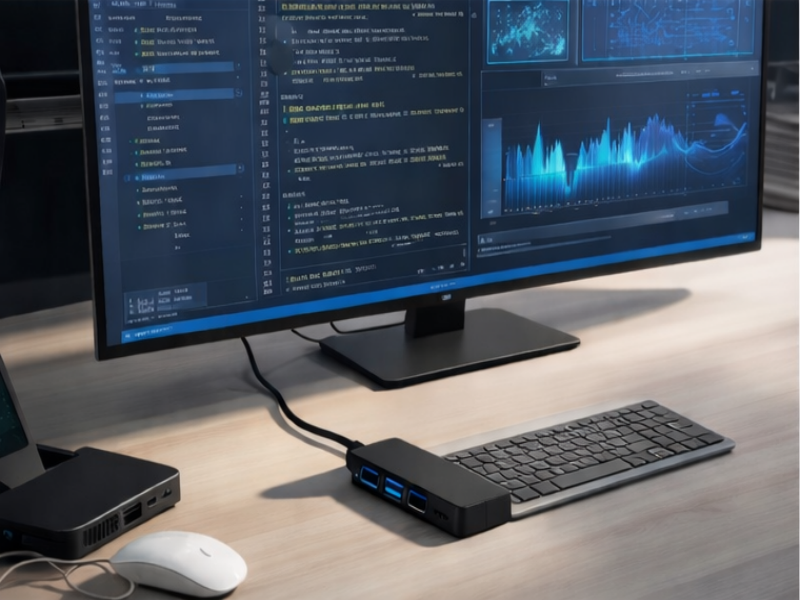
● Full HD (1080p): This is the standard resolution for most office and home entertainment use cases. USB 3.0 to HDMI adapters can easily handle 1080p resolution at 60Hz, providing clear and sharp images for tasks like browsing, document editing, and video streaming.
● 4K: Many modern USB 3.0 to HDMI adapters support 4K output, often at 30Hz. This resolution is ideal for high-definition media streaming, gaming, and professional video editing. However, it’s important to ensure that both the adapter and the connected display support 4K resolution for optimal performance.
Real-world applications include using the adapter to connect laptops to large 4K TVs for media streaming or to set up dual-monitor workstations for professional productivity.
How the Adapter’s Bandwidth (5 Gbps) Impacts the Video Output Quality
USB 3.0 provides a bandwidth of 5 Gbps, which plays a critical role in determining the quality of video output. The higher bandwidth allows for faster data transfer between the device and the HDMI display, enabling smooth video streaming and quick response times.
● Full HD (1080p): The 5 Gbps bandwidth is more than sufficient for 1080p resolution at 60Hz, allowing users to enjoy high-quality video without noticeable lag or stutter.
● 4K (30Hz): While USB 3.0 to HDMI adapters can support 4K at 30Hz, the 5 Gbps bandwidth may limit the refresh rate for more demanding tasks like gaming or fast-paced video playback. For those applications, a higher bandwidth or a dedicated graphics card may be necessary.
The bandwidth also affects the performance of multiple displays. With the USB 3.0 to HDMI adapter, users can easily connect additional monitors for work or presentations, but performance may vary depending on the number of connected displays and their resolution.
Use Cases: From Casual Office Work to High-Definition Media Streaming
USB 3.0 to HDMI adapters are highly adaptable, making them suitable for a wide range of applications, from everyday office tasks to high-definition entertainment.
● Casual Office Work: For tasks like browsing the internet, working with documents, and using productivity software, a USB 3.0 to HDMI adapter will provide sufficient performance at 1080p resolution, allowing users to extend their workspace to an additional screen or mirror content to a projector during meetings.
● Media Streaming: When it comes to streaming movies, TV shows, or playing videos, the adapter can handle Full HD or even 4K resolution, depending on the display. Users can connect their laptop to a 4K TV or monitor to enjoy crisp, high-quality visuals, making the adapter a valuable tool for home entertainment setups.
● Gaming and Professional Workflows: While USB 3.0 to HDMI adapters can support 4K, they are generally not recommended for high-performance gaming or applications requiring high refresh rates, such as video editing or 3D rendering, due to limitations in refresh rates and potential bandwidth bottlenecks.
Conclusion
Converting USB 3.0 to HDMI is a practical solution for expanding or mirroring displays. The right USB 3.0 to HDMI adapter can provide reliable performance for tasks ranging from office work to media streaming. Yuanshan Electronic Technology (Shenzhen) Co.,Ltd. offers versatile adapters that ensure high-definition video output with strong system compatibility, meeting various user needs.
FAQ
Q: Can a USB 3 to HDMI adapter support 4K resolution?
A: Yes, many USB 3 to HDMI adapters support up to 4K resolution, though the actual output may depend on the adapter model and the display's capabilities.
Q: What devices are compatible with a USB 3 to HDMI adapter?
A: USB 3 to HDMI adapters are compatible with laptops, desktops, and other USB 3.0-enabled devices, including certain tablets and phones.
Q: Does a USB 3 to HDMI adapter work with Linux?
A: USB 3 to HDMI adapters may work with Linux, but compatibility can vary. Driver installation may be required for full functionality.
Q: What performance should I expect from a USB 3 to HDMI adapter?
A: USB 3 to HDMI adapters provide reliable performance for full HD video, though 4K performance can be limited by the adapter’s bandwidth.



