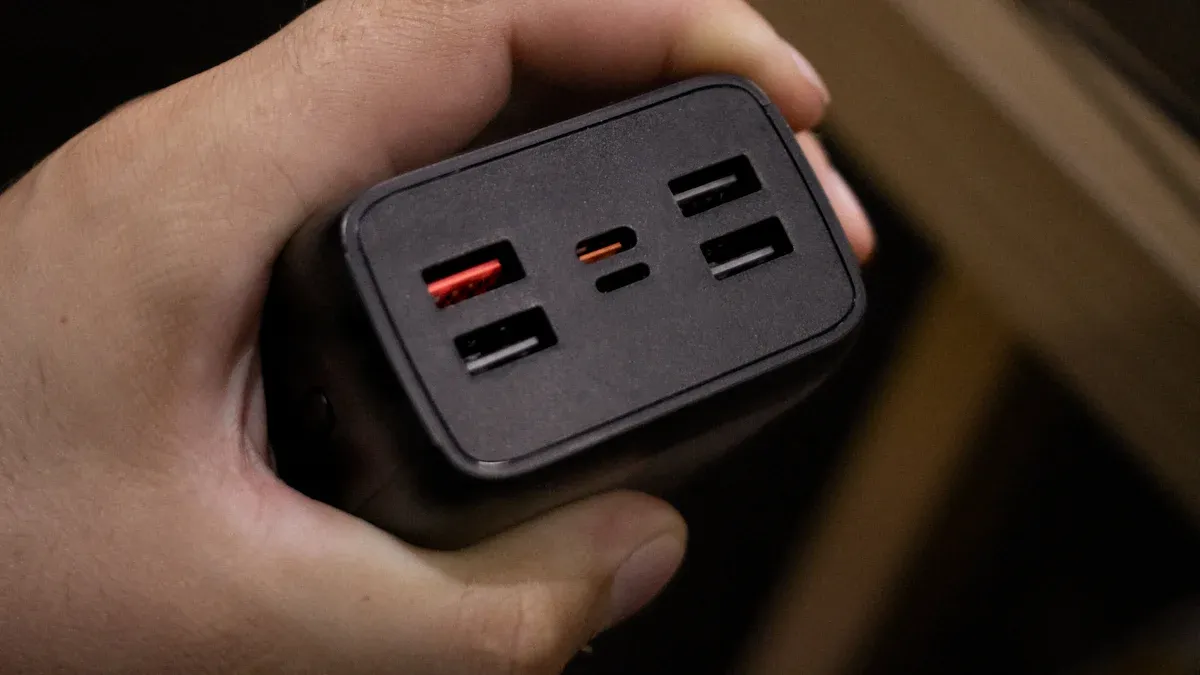
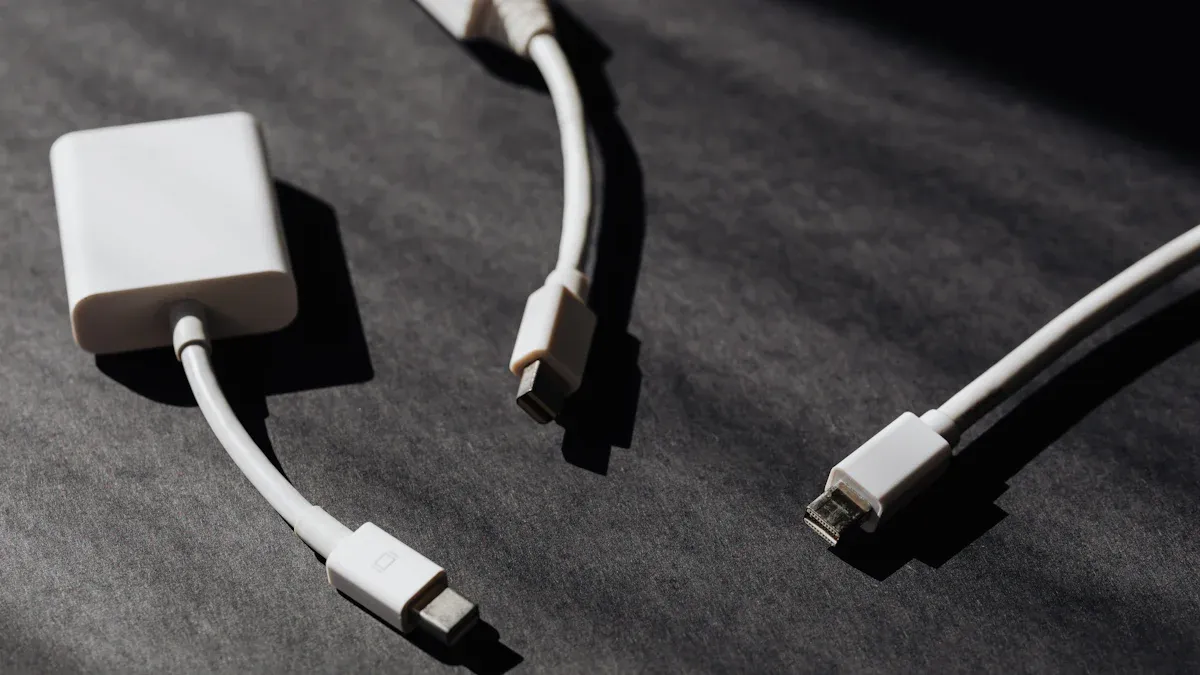
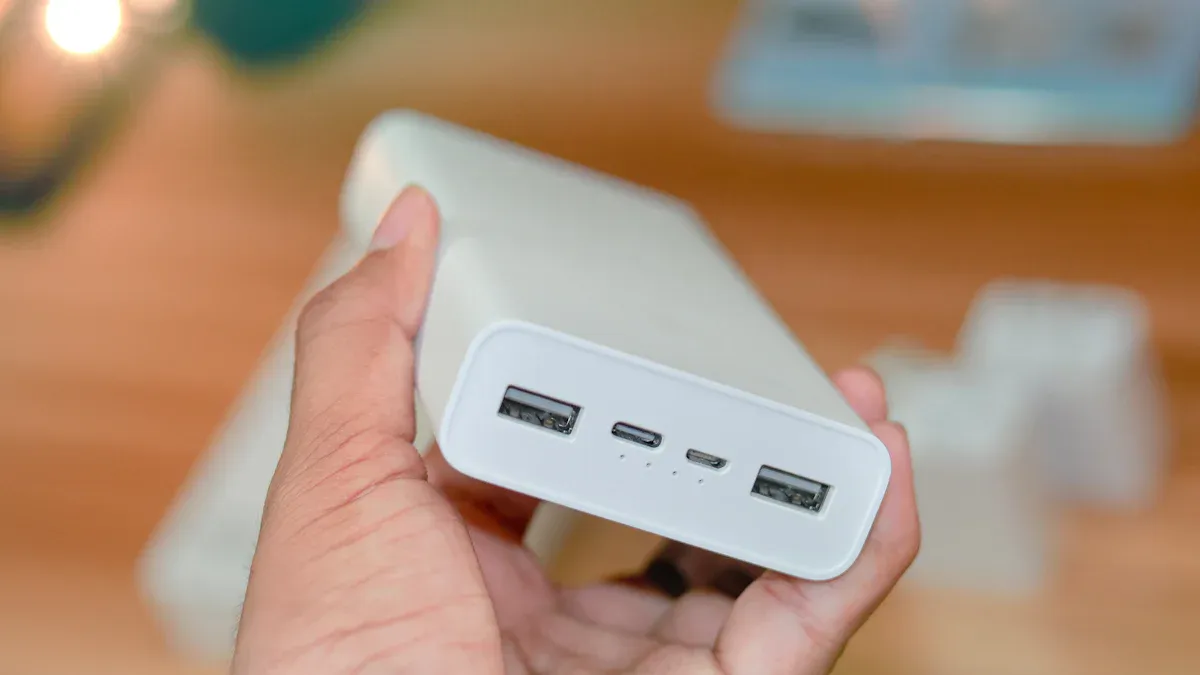
When you want to make your brand stronger, you will see many custom usb adapters and promotional USB hubs. Some popular ones are USB Type-A, USB Type-C, and USB 3.0 hubs. These are popular because they are fast and work with many devices. Look at this table to see which ones are best:
Type of USB Device | Market Share | Description |
USB Type-A | Highest | Used in computers and media devices |
USB 3.0 Hub | 58% | Fast data transfer, popular for hubs |
USB Type-C | N/A | Reversible, fits new electronics |
Putting your logo on these gadgets helps people remember you. Customization makes your brand stand out. You can use them to keep your desk neat or get attention at events. The USB hub market is getting bigger, so it is a smart time to use these for marketing.
Key Takeaways
Custom USB adapters and hubs help people see your brand. People remember your logo when they use these useful items.
Pick the USB hub that fits what you need. Think about how many ports you want. Check if it works with your devices. Make sure it has enough power.
There are many ways to customize USB adapters. You can pick colors and shapes. You can add features to make your USB products special and fun.
Promotional USB hubs are good for marketing. They do not cost a lot. They help your brand stay in front of customers every day.
Multi-port and wireless adapters help people work better. They let you connect many devices with ease. They make workspaces neat and tidy.
Custom USB Adapters Overview
USB Type-A, Type-C, Micro USB, Lightning
You see different USB connectors almost every day. Each connector has a special job. They work with different devices. Here’s a simple look at the most common types:
Connector Type | Description | Size | Transfer Rate | Power Delivery |
USB Type-A | Most iconic connector, commonly found on laptops and adapters. Gradually fading out due to size limitations. | Standard size | N/A | N/A |
Micro USB | Smaller, more durable, and replaced Mini USB. Commonly used in Android devices. | 6.85 x 1.8 mm | 480 Mbps | N/A |
Lightning | Exclusive to Apple devices, features a reversible connection. | N/A | N/A | N/A |
USB Type-C | Versatile and high-efficiency connector, expected to become the global standard. | N/A | 5-10 Gbps | Up to 100W |
USB Type-A works with lots of computers and old devices. You probably have some at home.
Micro USB is smaller and fits many Android phones and gadgets.
Lightning is only for Apple devices. It is easy to plug in because you can flip it.
USB Type-C is the newest and fastest. It works with laptops, phones, and some tablets. You can plug it in either way. It charges devices quickly.
Multi-Port Adapters
Multi-port USB Type-C adapters let you connect more than one device at once. You can plug in a mouse, keyboard, and flash drive together. These adapters are very useful in offices, schools, and at home.
Use Case | Description |
Remote Work & Home Office | Connect monitors, keyboards, and network cables to laptops with limited ports. |
Creative & Media Production | Connect high-resolution monitors, storage, and audio equipment. |
Gaming Setups | Connect monitors, sound systems, and controllers. |
Education & Training | Connect projectors, displays, and peripherals in labs. |
Business & Enterprise | Quick setup for presentations and multiple device connections in conference rooms. |
Multi-port adapters save time and keep your desk tidy. In hospitals, these adapters help connect medical devices. This makes work faster and more accurate. In schools and offices, they help people get more done and switch tasks easily.
OTG Adapters
OTG means "On-The-Go." These adapters let your phone or tablet act like a computer. You can plug in a flash drive, keyboard, or game controller.
USB OTG defines two device roles: the A-device, which supplies power and acts as the host, and the B-device, which consumes power and begins as the peripheral. These roles can be reversed using the Host Negotiation Protocol (HNP).
With OTG adapters, your phone can read files from a USB stick. You can also connect to a printer. This makes it easy to share files or print without a computer. Your phone can be the host or the guest, depending on what you need.
Wireless USB Adapters
Wireless USB adapters let you connect to Wi-Fi or other devices without wires. These adapters get better every year. They now have faster speeds and stronger security.
Feature | Details |
Market Size (2023) | $24.3 billion |
Expected Market Size (2032) | $254.51 billion |
Growth Rate | 30% CAGR (2023-2032) |
More people want fast, easy internet at home and work.
Smart homes and IoT devices use wireless adapters to stay connected.
Remote work makes these adapters even more important.
New designs are smaller and have better antennas.
Many adapters now support dual-band or tri-band Wi-Fi.
You can use wireless USB adapters to upgrade old computers. You can also add Wi-Fi to devices that do not have it. They are great for travel or for quick connections anywhere.
Customization Options for Custom USB Adapters
You can make custom usb adapters look and feel how you want. Here are some ways to change them:
Material: Pick silicone for flexibility, plastic for a cheaper choice, metal for a fancy look, or eco-friendly materials to help the planet.
Shape and Size: Choose normal shapes for easy use or pick fun, special designs to make your brand stand out.
Branding: Add your logo, use your brand colors, or pick special finishes to make your adapters look cool.
Function: Add features that make the adapter more useful, like extra ports or built-in storage.
Custom usb adapters with your logo or colors help people remember your brand. They also show you care about quality and style.
Use Cases and Benefits
Custom usb adapters work in many places and help solve real problems. Here are some ways you can use them:
Give them away at trade shows or events. People keep them for a long time, so your brand stays in their mind.
Use them in the office to keep everyone connected and organized.
Help students and teachers connect devices in classrooms.
Make remote work easier by letting employees connect all their gear at home.
Share videos, files, or presentations with clients using branded adapters.
Personalized adapters make people feel special. They also help your business look modern and professional. Many buyers want products that fit their needs, so offering custom usb adapters can help you stand out.
Tip: Know your audience and pick a design that matches their style. Add a catchy slogan or choose a shape that fits your industry. This makes your promotional product even better.
Promotional USB Hubs Types
Standard USB Hubs
You see standard USB hubs in homes and offices. These hubs have four or more USB ports. You can plug in things like flash drives and keyboards. Some hubs are quad USB 4-port or aluminum 4-port USB 3.0. These hubs let you connect many devices at once. This helps keep your desk neat.
Standard hubs have simple features. They give you extra ports for your devices. You can use them with computers or gaming consoles. If you want something easy and dependable, pick standard USB hubs.
Multi-Functional USB Hubs
Multi-functional USB hubs do more than add ports. They have SD card readers, headphone jacks, and charging ports. These hubs work with many devices at the same time. You can use them for charging and data transfer.
Here is a table that shows how multi-functional hubs compare to standard hubs:
Feature | Multi-functional USB Hubs | Standard USB Hubs |
Number of Ports | More (including USB, SD, headphone) | Fewer (typically USB only) |
Device Connectivity | Connects multiple devices simultaneously | Limited by available ports |
User Satisfaction | Higher due to enhanced functionality | Generally lower due to limitations |
Compatibility with USB Versions | Supports various versions (USB 2.0, 3.0, 3.1) | Limited compatibility |
Additional Features | Charging ports, data transfer | Basic functionality only |
Multi-functional hubs make things easier. You can use them for school, gaming, or creative work. Some hubs have phone stands or desk caddies. You get more done with less mess.
Wireless Charging Hubs
Wireless charging USB hubs are very popular now. You can charge your phone or earbuds without cables. These hubs are easy to use and practical. People who like technology enjoy them.
Wireless charging hubs work with many devices.
Your brand gets seen every day when people use them.
These hubs fit in homes, offices, and classrooms.
You can add your logo to make your brand stand out.
They are good for tech fans and office workers.
Wireless charging hubs are great gifts. People remember your brand because they use the hub often.
Eco-Friendly and Novelty Hubs
Eco-friendly USB hubs use bamboo or recycled plastic. Choosing these hubs shows you care about the planet. Bamboo dual port hubs look cool and feel nice. Many companies use eco-friendly hubs for green campaigns.
Novelty hubs have fun shapes and themes. You can find hubs shaped like robots, flowers, or airplanes. These designs get attention at events and trade shows. People like to keep them on their desks, so your brand stays visible.
Feature | Description |
Unique Designs | USB hubs with amusing shapes and themes like airplanes, flowers, and robots. |
Multiple Ports | Provides extra connectivity for various devices, addressing the shortage of USB ports. |
Additional Functionalities | Includes features like wireless charging and compatibility with various devices. |
Eco-friendly and novelty hubs help your brand stand out. You can pick a hub design that matches your company’s style.
Customization for Promotional USB Hubs
You can change USB hubs in many ways. Companies ask for logo imprinting, themed designs, and special packaging. You can pick colors or add features like phone stands.
Customization Option | Description |
Logo Imprinting | USB hubs can be imprinted or engraved with your logo or messaging. |
Themed Designs | A wide range of colors and styles available to align with brand aesthetics. |
Multifunctional Features | Some models combine USB hubs with desk caddies or phone stands. |
Popular printing methods are:
Screen Printing
Laser Printing
Laser Engraving
Pad Printing
You can pick packaging that fits your budget. Some hubs come in gift boxes or eco-friendly wrappers. Customization makes your USB hubs special and easy to remember.
Use Cases in Marketing
Promotional USB hubs are good for giveaways and brand visibility. You can give them out at trade shows or company meetings. People use them every day, so your brand stays in their mind.
Key Insight | Explanation |
Relevance to Daily Life | Promotional products that are useful, like USB hubs, are more likely to be used frequently, keeping the brand in the recipient's mind. |
Quality Reflects Brand Identity | High-quality promotional items enhance brand perception, signaling professionalism and credibility. |
Impactful Distribution | Distributing products in settings like trade shows or networking events maximizes their visibility and effectiveness. |
You can use USB hubs to organize your office. Employees keep their desks tidy and connect all their devices. You can use them in classrooms to help students and teachers stay organized.
If you want to grow your brand, custom usb adapters and promotional USB hubs are smart choices. You get more attention, better organization, and happy customers.
Tip: Pick a hub that fits your audience. Fun shapes are good for kids and students. Sleek designs are best for business. Eco-friendly hubs show you care about the earth.
Choosing the Right Adapter or Hub
Matching Product to User Needs
Picking the best USB adapter or hub for your needs can feel tricky. You want something that works well and fits your style. Here’s a simple way to figure out what’s right for you or your business:
Decide how many devices you want to connect. Count the number of USB ports you need, like USB-A or USB-C.
Check if the hub supports the right USB standard. If you need fast data transfer, look for USB 3.0 or higher.
Think about power. Some hubs use power from your computer, while others need their own power supply.
Look at the power input source. Some hubs use JACK interfaces, while others use terminal blocks.
Consider safety and the environment. If you work in a factory or lab, pick a hub with extra safety features.
You can see how different devices work with hubs in this table:
Device | Direct to Computer | Connected to Station |
Keyboard | Not recommended | Only station user can use |
Mouse | Not recommended | Only station user can use |
USB mass storage device | All users can access | Only station user can use |
Printers | All users can access | Only station user can use |
If you want to keep things simple, choose a hub with just the right number of ports. For more features, look for hubs with HDMI or SD card slots. Some hubs even have phone stands or desk caddies for extra convenience.
Branding and Marketing Impact
When you use custom usb adapters or promotional hubs, you boost your brand in a fun way. People see your logo every time they plug in a device. That means your brand stays in their mind.
Boost brand awareness with useful items people use every day.
Save money with budget-friendly hubs that cost less than a dollar.
Make your brand look professional with high-quality products.
Customize these USB hubs with your company logo and colors to enhance your brand's visibility. Positioned on a desk or in a classroom, your brand gets noticed all the time.
You can pick from different port options, like three, four, or six ports. Some hubs offer extra features, such as HDMI or SD card inputs. When you choose the right hub, you make life easier for your customers and help your brand grow.
If you want people to remember your business, give them something they’ll use often. Custom usb adapters and hubs make great gifts for events, offices, or schools. Your brand will stand out, and your customers will thank you.
You have lots of choices when it comes to custom USB adapters and promotional USB hubs. You can pick from different shapes, colors, and features to match your brand. These products help you stay organized and make your business stand out. Take a look at the main advantages:
Advantage | Description |
Boost Brand Visibility | People remember your logo and trust your brand. |
Wide Range of Customization | You can create unique products that fit your style. |
Cost-Effective Promotional Tools | You reach more people without spending too much. |
Targeted Marketing | You can focus on the right audience for your business. |
Versatility | Use them in many ways, from giveaways to office tools. |
Measurable Impact | You can track how well your marketing works. |
If you want to choose the right USB adapter or hub, try these tips:
Match the hub’s ports with your devices.
Pick a hub with its own power supply for bigger gadgets.
Go for USB 3.0 or higher if you need speed.
Make sure the chipset works well with your devices.
Choose a cable length that fits your desk.
Pick a design and material that you like.
With the right USB adapter or hub, you make your brand stronger and keep your workspace neat. You get more value and your customers remember you.
FAQ
What is the difference between a USB adapter and a USB hub?
A USB adapter connects one device to another. A USB hub lets you connect several devices at once. You use adapters for single connections. You use hubs for multiple connections.
Can I customize the color and shape of my USB hub?
Yes! You can pick colors that match your brand. Some companies offer fun shapes, like animals or cars. Custom shapes help your hub stand out at events.
Do custom USB adapters work with all devices?
Most adapters work with popular devices. You should check the connector type before you buy. Some adapters only fit certain brands or models.
How do promotional USB hubs help my business?
Promotional USB hubs keep your brand in front of customers every day. People use them at work or home. Your logo gets seen often, which helps people remember you.